
Boost and Engine Load
Review supported pressure, load and air-path values relevant to engine operation.

View selected engine and vehicle data directly in the MG Flasher app while connected to a supported car. Keep important parameters visible in real time on mobile, tablet or desktop.
Need to record a session? Explore Datalogging →
Live Monitoring presents supported ECU and vehicle parameters while MG Flasher is connected to the car. Instead of working from a single warning light or a static diagnostic result, users can watch selected values update as the vehicle operates.
The exact parameter list depends on the engine, ECU software, installed Custom Code, app version and available sensor data. Live Monitoring does not replace professional diagnosis or safe testing procedures.
Real-Time VisibilityWatch supported parameters update while connected.
Setup VerificationConfirm that selected vehicle data is present and behaving as expected.
Troubleshooting ContextUse live values alongside diagnostics and recorded logs.
Available values vary by platform. The groups below describe common monitoring categories rather than a guaranteed list for every vehicle.
Review supported pressure, load and air-path values relevant to engine operation.
Monitor selected fueling, lambda and fuel-pressure values where supported.
Watch supported coolant, intake-air and other temperature-related parameters.
Review selected timing, correction and combustion-related values when available.
Keep supported engine-speed, torque and load-request information visible.
Compatible Custom Code can expose additional status, protection and feature parameters.
Use the live screen for immediate visibility and datalogging when a session needs to be recorded and reviewed.
MG Flasher is available on supported mobile and desktop platforms. A phone can provide a compact in-car view, while the Windows layout gives more screen space for larger gauges and detailed parameter review.
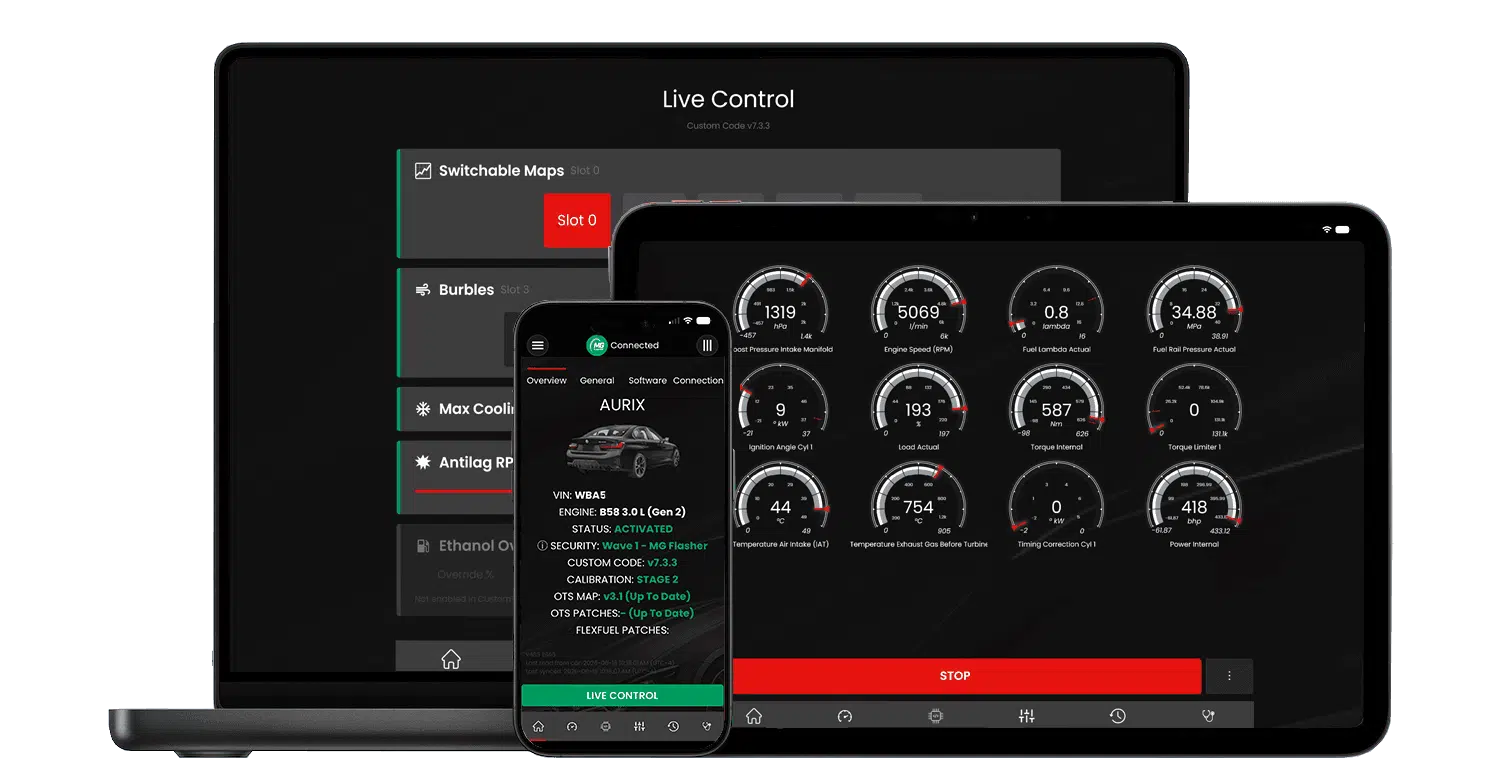
A supported connection and vehicle configuration are required before live parameters can be displayed.
Use a supported ENET connection and open MG Flasher.
MG Flasher reads the vehicle and makes supported app functions available.
Open the monitoring or logger interface and select the available values needed for the session.
Watch selected parameters update while following safe operating and testing procedures.
Live data can support several workflows, but interpretation should account for the complete vehicle setup.
Confirm that supported parameters are present and updating after connection.
Watch temperatures, pressures and other available values during a controlled check.
Use current values together with DTCs and vehicle information when investigating a problem.
Select relevant parameters before recording a datalog for later review.
Not every parameter is available on every vehicle, ECU or Custom Code version.
The engine, ECU and vehicle software must be recognised by MG Flasher.
A stable supported ENET connection is required while reading live vehicle data.
The app shows only values supported by the connected platform and current configuration.
Monitoring should not distract the driver or replace controlled diagnostic and tuning procedures.
Common questions about real-time vehicle data in MG Flasher.
Live Monitoring displays selected supported vehicle and ECU parameters in the MG Flasher app while connected to the car.
No. Live Monitoring focuses on values that are visible now. Datalogging records supported parameters over time for later review.
The available list depends on the engine, ECU software, app version, installed Custom Code and connected sensor data.
MG Flasher supports monitoring and logging workflows on compatible app platforms. The available layout and exact functions can differ by device.
Yes. A supported car connection is required while reading live ECU and vehicle data.
No. Live values provide useful context but should be combined with DTCs, vehicle inspection, datalogs and qualified diagnostic review.
Current values can help verify a setup, while recorded datalogs are generally better suited to detailed tuning review and sharing.
No. Parameter availability is platform-specific and can change with ECU software, Custom Code and installed hardware.
Download the app, confirm vehicle support and review available live parameters for your setup.