Switchable Maps
Select an available Slot 0–4. Disabled or invalid locations remain unavailable.
Flash maps, adjust supported On-The-Fly functions, adapt to ethanol, monitor vehicle data and manage compatible BMW, MINI and Toyota Supra vehicles with the MG Flasher app.
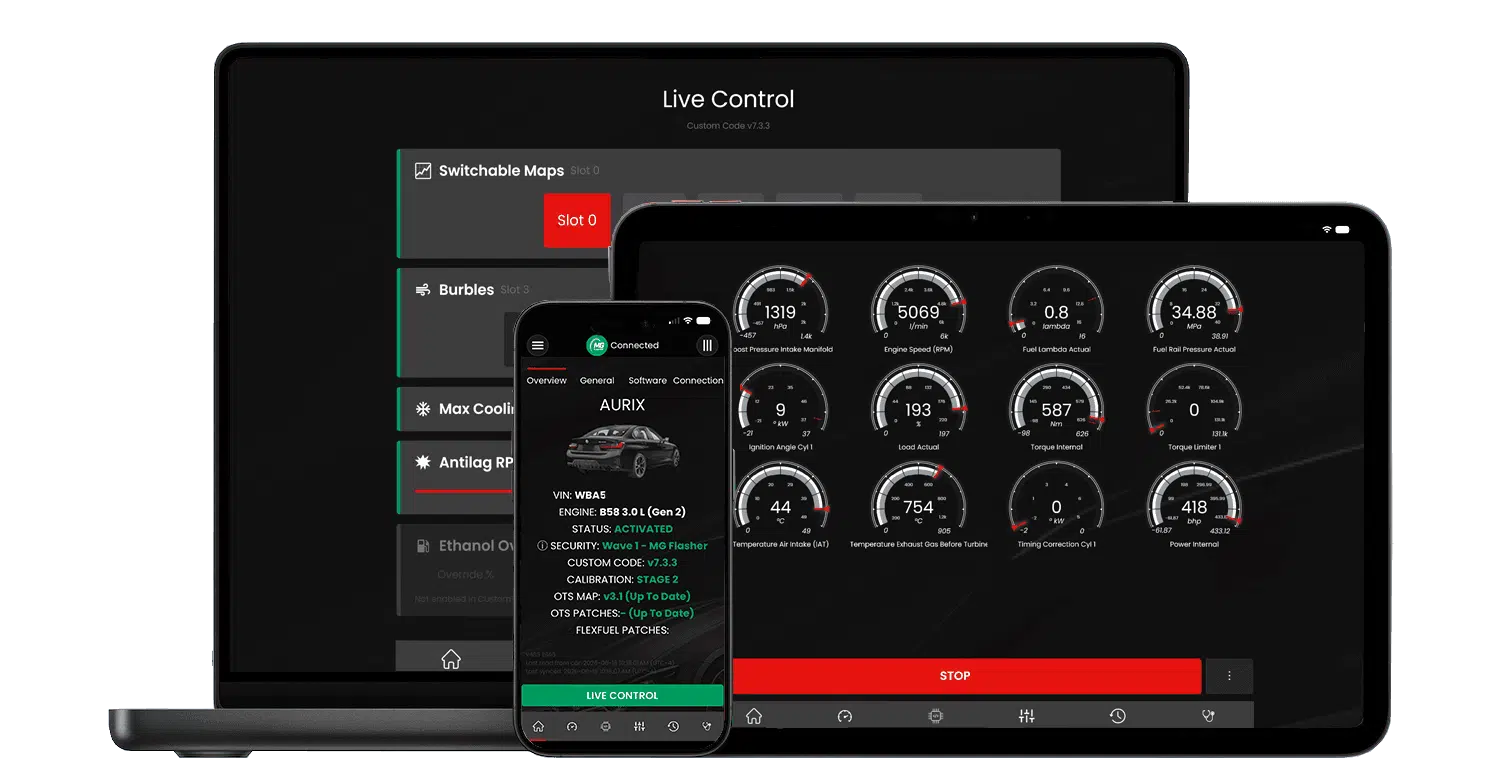
Feature availability depends on the vehicle, ECU software, installed Custom Code version and selected calibration.
Start with the functions that define the MG Flasher experience. Every feature still depends on the exact engine, ECU software, Custom Code version, flashed calibration and vehicle setup.
Change between valid map slots in real time without performing a full ECU reflash.
Explore Feature →Automatically blend supported tuning parameters according to the ethanol content in the fuel.
Explore Feature →Build boost before a stationary or rolling launch with configurable safety limits and control modes.
Explore Feature →Read and adjust supported On-The-Fly settings directly from the app without reflashing.
Explore Feature →Choose a supported burble profile, including a fully disabled setting, without another flash.
Explore Feature →Navigate supported functions through vehicle controls, the tachometer and Check Engine Light feedback. MG Flasher calls this system the Custom Code Menu (CCM).
Explore Feature →Live Control reads available settings directly from the DME and lets compatible users adjust supported Custom Code functions in real time. The available controls are determined by the Custom Code installed on the vehicle.

Select an available Slot 0–4. Disabled or invalid locations remain unavailable.
Choose the active supported burble profile and see the current value immediately.
Toggle Max Cooling and control supported exhaust or radiator flap states.
Adjust the supported standing anti-lag RPM setpoint through an in-app slider.
Enable a manual ethanol value and select the configured percentage where available.
Enable or disable the supported vehicle-performance restriction profile.
Filter the library by function. Compatibility labels describe general requirements only; always check the exact vehicle and ECU before purchasing or flashing.
Dyno- and road-tested off-the-shelf calibrations offered for supported vehicles, fuels and hardware configurations.
Learn More →Upload and flash a calibration prepared by an independent tuner while MG Flasher handles required file checks and corrections.
Learn More →Select between valid Slot 0–4 calibrations in real time without loading a new file.
Learn More →Return a supported vehicle to its original stock calibration using the stored factory software.
Learn More →Blend supported boost, fueling, ignition and related parameters according to measured or manually specified ethanol content.
Learn More →Display ethanol content and provide a manual value when a sensor is not installed or is unavailable.
Learn More →Connect supported ReFlex data to the DME for port-injection support, logging and Custom Code protection strategies.
Learn More →Configure standing and rolling anti-lag behavior with adjustable activation and safety parameters on compatible setups.
Learn More →Dynamically remove transmission torque limits when intervention is not required while retaining limitation during detected slip events.
Learn More →Limit torque independently by gear to help manage traction and lower-gear wheelspin.
Learn More →Poll the DME and change available Custom Code values through toggles, slots, sliders and selectors.
Learn More →Use supported cruise-control inputs and dashboard feedback to access multiple On-The-Fly feature submenus.
Learn More →Change between available burble profiles and a fully disabled setting without performing another flash.
Learn More →Switch from regular cooling targets to configured enhanced cooling behavior when needed.
Learn More →Choose OEM, Closed or Open exhaust-flap behavior in real time, with a protective load override.
Learn More →Set supported factory radiator flaps to OEM, Closed or Open through the app; this function is not currently controlled through CCM.
Learn More →Restrict maximum speed, engine speed and torque, with an exceedance indicator for the vehicle owner.
Learn More →Re-enable supported OEM remote-start operation on compatible Gen 2 vehicles originally equipped with the function.
Learn More →Configure a louder and more aggressive startup behavior using available in-app calibration settings.
Learn More →Disable the supported factory vehicle-speed limiter through the available map options.
Learn More →Adjust factory cold-start behavior for a quieter startup where the option is available.
Learn More →Adapt monitoring and calibration options for a supported less-restrictive exhaust configuration.
Learn More →Recalibrate the vehicle Sport Display range so supported gauges can represent higher power and torque values.
Learn More →Read ECU information and DTCs, clear faults and access supported diagnostic, reset and actuator functions.
Learn More →Read and set installed On-The-Fly values directly when troubleshooting steering-wheel controls or feature state.
Learn More →Preserve supported On-The-Fly settings in long-term ECU storage across maintenance events and power cycles.
Learn More →Identify disabled or invalid map data before a slot is selected for switchable maps, burbles or flex-fuel operation.
Learn More →Record and review supported live parameters for calibration review, troubleshooting and vehicle monitoring.
Learn More →A feature name alone does not confirm support. MG Flasher resolves availability through the connected vehicle, ECU software and the calibration or Custom Code installed on that specific setup.
Support starts with the exact engine platform, chassis and model configuration.
The installed SWFL and security level determine which flashing and Custom Code versions are available.
Newer functions are progressively unlocked as compatible Custom Code versions increase.
OTS packages and custom tunes must contain valid feature data and have required options enabled.
Some functions depend on a compatible sensor, fuel system, exhaust, cooling component or other hardware.
A Flashing License is required for map flashing, and an ECU unlock may be required before OBD programming.
A compatible ENET connection is required to identify the exact ECU software. Use the latest MG Flasher app with a supported ENET WiFi adapter or cable and run Check Support before purchasing a flashing license or tune.
Engine pages combine supported vehicles, power levels, fuels, maps and the available MG Advanced Features for each platform.
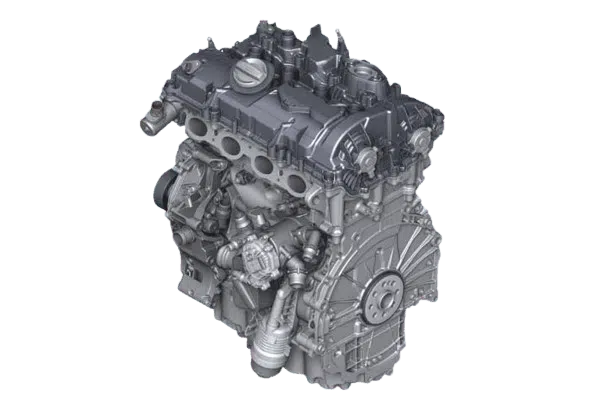
Explore supported tuning features for selected BMW B46/B48 and Toyota Supra 2.0 platforms.
Check Engine Support →
Check available MG Flasher options for supported MINI Cooper S and John Cooper Works platforms.
Check Engine Support →
View maps, power levels and Custom Code functions for supported BMW B58 and Toyota Supra vehicles.
Check Engine Support →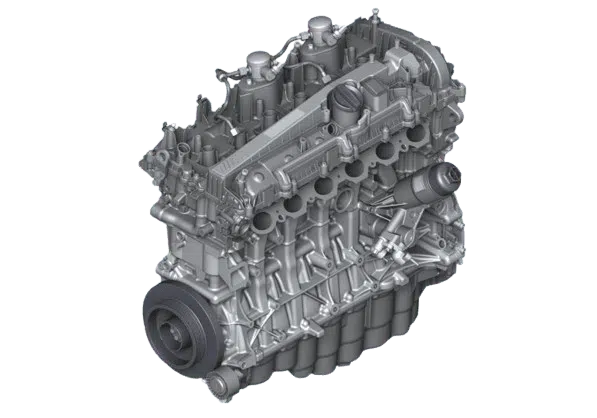
Explore supported features for selected BMW M vehicles powered by the S58 engine.
Check Engine Support →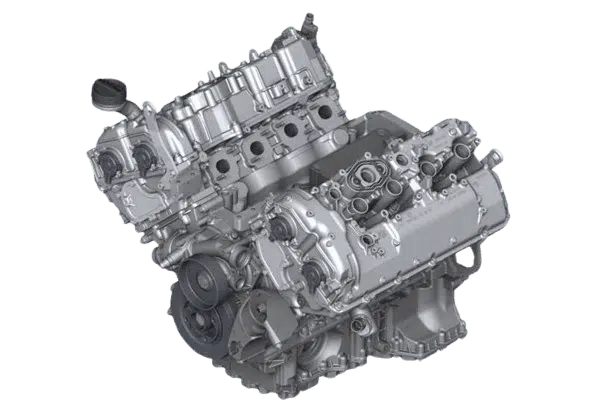
Check available tuning features for supported high-performance BMW S63 V8 platforms.
Check Engine Support →
Explore available MG Flasher maps and features for selected BMW N63 V8 vehicles.
Check Engine Support →Open the correct engine page and review supported models, generations and available features.
Explore Engines →Use a compatible ENET adapter or cable, connect the app and run Check Support to identify software and unlock requirements.
View Connection Process →Select the correct Flashing License, OTS package or independent custom-tuning workflow.
Open Shop →Enable supported Custom Options, flash the vehicle and use Live Control or CCM where available.
Explore Live Control →Vehicle tuning and software modifications may be restricted by local laws. Verify applicable emissions, noise, road-use and motorsport regulations before flashing, enabling or using a feature.
Some performance and emissions-related functions may be intended for off-road or competition use only where required by applicable law. The vehicle owner and user are responsible for legal compliance, vehicle condition and safe operation.
Quick answers about compatibility, Custom Code, live controls, licenses and map support.
MG Flasher combines supported OTS and custom flashing, Switchable Maps, Flex Fuel, Anti-Lag, Live Control, Custom Code controls, diagnostics, logging and additional calibration options. Exact availability depends on the vehicle and software.
Custom Code is MG Flasher software installed inside a compatible DME. It enables selected On-The-Fly controls, integrations, diagnostics and protection logic. Feature availability still depends on the exact ECU software and calibration.
No. Availability can vary by engine platform, vehicle generation, ECU software, Custom Code version, flashed map, installed hardware and selected license.
Live Control adjusts supported Custom Code features through the MG Flasher app. The Custom Code Menu uses supported steering-wheel controls, the tachometer and Check Engine Light feedback. Both interact with compatible On-The-Fly features.
No. Once a compatible feature is enabled and correctly configured, supported values can be changed in real time. A reflash may still be required to install or enable the underlying Custom Code configuration.
Flex Fuel Blending is available on supported setups with Custom Code v7.3 or newer. Ethanol content can be supplied by a compatible sensor or, where configured, by a manual override.
Yes, where supported. Independent tuners can prepare custom calibrations that use MG Flasher Custom Code features, but the required maps, slots and codewords must be configured correctly.
Download MG Flasher, connect the vehicle and use Check Support or read the ECU software information. Then compare the result with the relevant engine and feature page before purchasing.
A Flashing License is required to flash OTS or custom maps to a vehicle. Some diagnostic information can be accessed without a flashing purchase, while map and feature availability depends on the selected products and ECU support.
Start with the engine, confirm the ECU in the app and choose the correct MG Flasher products for your setup.